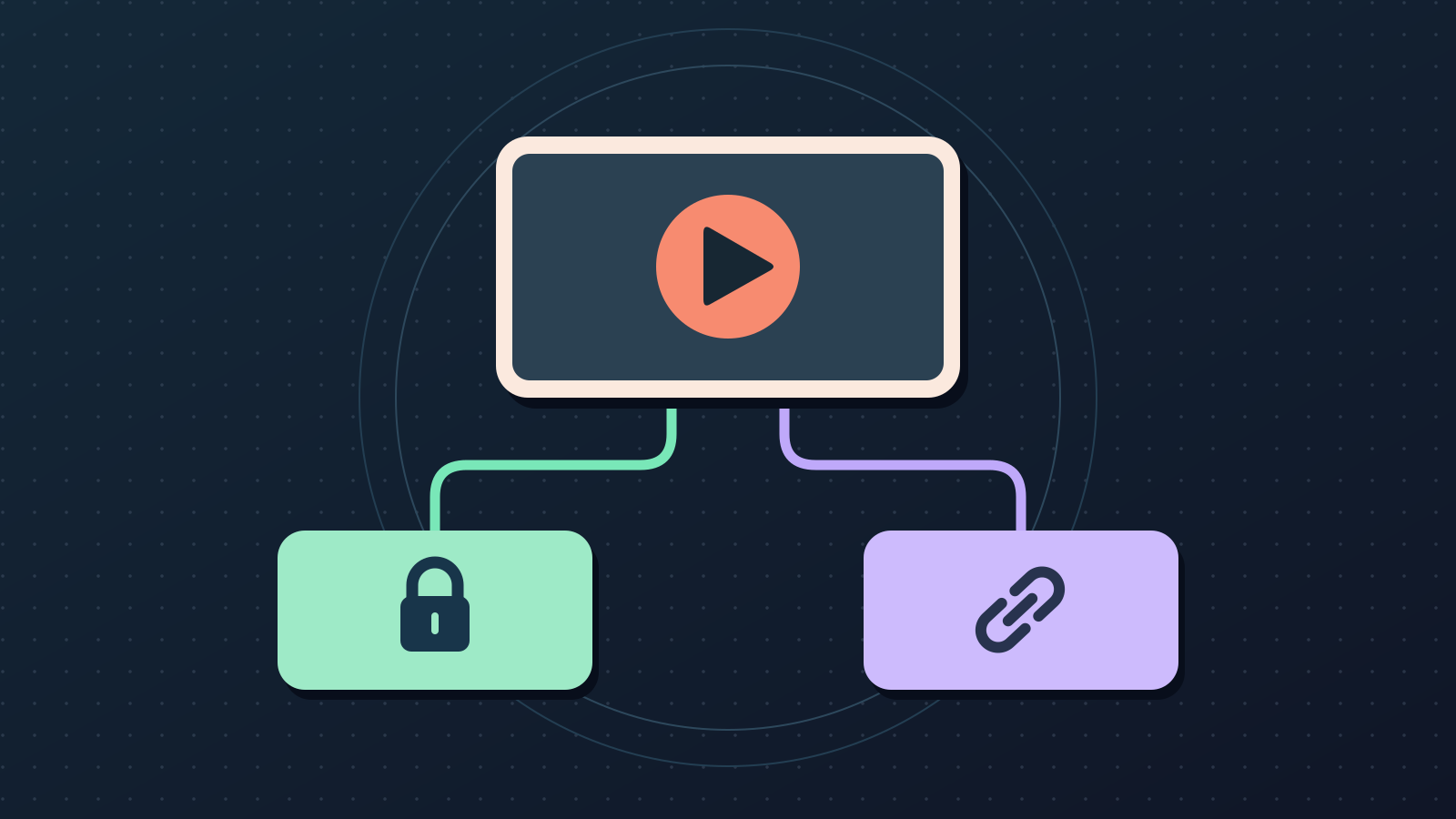
Give the review link the right audience
You’ve watched the export twice. Now send it to someone who hasn’t spent three nights staring at the timeline. Whether you should make a YouTube video private or unlisted comes down to one thing: who should be able to pass it along?
What changes when you choose Private or Unlisted?
An unlisted video normally stays out of YouTube search and your channel’s Videos tab. YouTube notes an exception when someone adds it to a public playlist. If your client hasn’t cleared the footage, Private is the better default. No visibility setting replaces permission to upload sensitive footage, and YouTube may still review private uploads for copyright and other checks.
- Private: you and invited viewers. Choose Share privately to add their email addresses. Comments are unavailable.
- Unlisted: anyone with the link can watch and forward it. Comments can be available, and viewers don’t need a Google account.
- Public: anyone can watch. The upload can appear on your channel and in search and recommendations, but no placement is guaranteed.
Run a five-minute upload check
- Check the audience first. In YouTube Studio, open Content, locate the video and check Visibility. Invite the correct reviewers for Private. If Unlisted is acceptable, open its link in a signed-out window to see the playback experience a link holder gets. Do not read a successful signed-out test as proof the link is restricted.
- Read the title as a stranger. Put the subject and promised result near the front. “Replace a Leaking Kitchen Faucet Cartridge” tells viewers more than “This Took Me All Afternoon.” Only name a specific brand or model if the footage actually covers it.
- Test the description links. Confirm model numbers, downloads and any disclosure. Open the destination on a phone, ideally without the session you used to create it. If you’re reviewing a Short, check YouTube’s separate link rules.
- Play it where people watch it. Start on mobile with sound off. Check whether captions identify the right tools, the first shot confirms the title’s promise, and the thumbnail is legible at feed size. Ask the reviewer one concrete question: “What did you expect the video to show before you pressed play?”
- Make an explicit release decision. After notes are resolved, change visibility in YouTube Studio and save, or schedule it there. Use the intended date, time and time zone. Check the public watch page once it should be live.
Try it on a real review decision
Imagine a tutorial that shows a client’s kitchen before the client has cleared the footage. First confirm that the client allows it to be uploaded for review at all. If they do, set it to Private and invite only the people expected to give notes. Ask them to report the timestamp and the issue in a separate message instead of relying on YouTube comments. If no private copy can be shared, use whatever review service the client already approves.
For a finished public tutorial with no sensitive material left in the cut, an Unlisted link can make it easier to collect feedback from a small group. Before you send it, test the link while signed out and assume the link can be forwarded. When the notes are resolved, confirm the correct video, title, links and visibility before announcing it.
Keep metadata approval separate from going public
ReeLoop can draft a title, description and tags for an existing video on a connected channel. If the upload appears in your synced list, review the copy against the actual cut, fix anything the draft guessed, and apply only the metadata you want. Manage invitations, visibility and scheduling in YouTube Studio. For a video that is already live, use the older-video metadata checklist instead.
Frequently asked questions
Can someone forward an unlisted YouTube video?
Yes. Treat the link as shareable, even if you only sent it to one reviewer.
Can reviewers comment on a private video?
No. Use a separate feedback channel, or choose Unlisted if it’s appropriate for the footage and you’re comfortable with forwarding.
Should I make an unlisted upload public to improve ranking?
Make it public when it’s ready for the audience. Public visibility makes normal discovery possible, but the earlier visibility setting isn’t a ranking strategy.