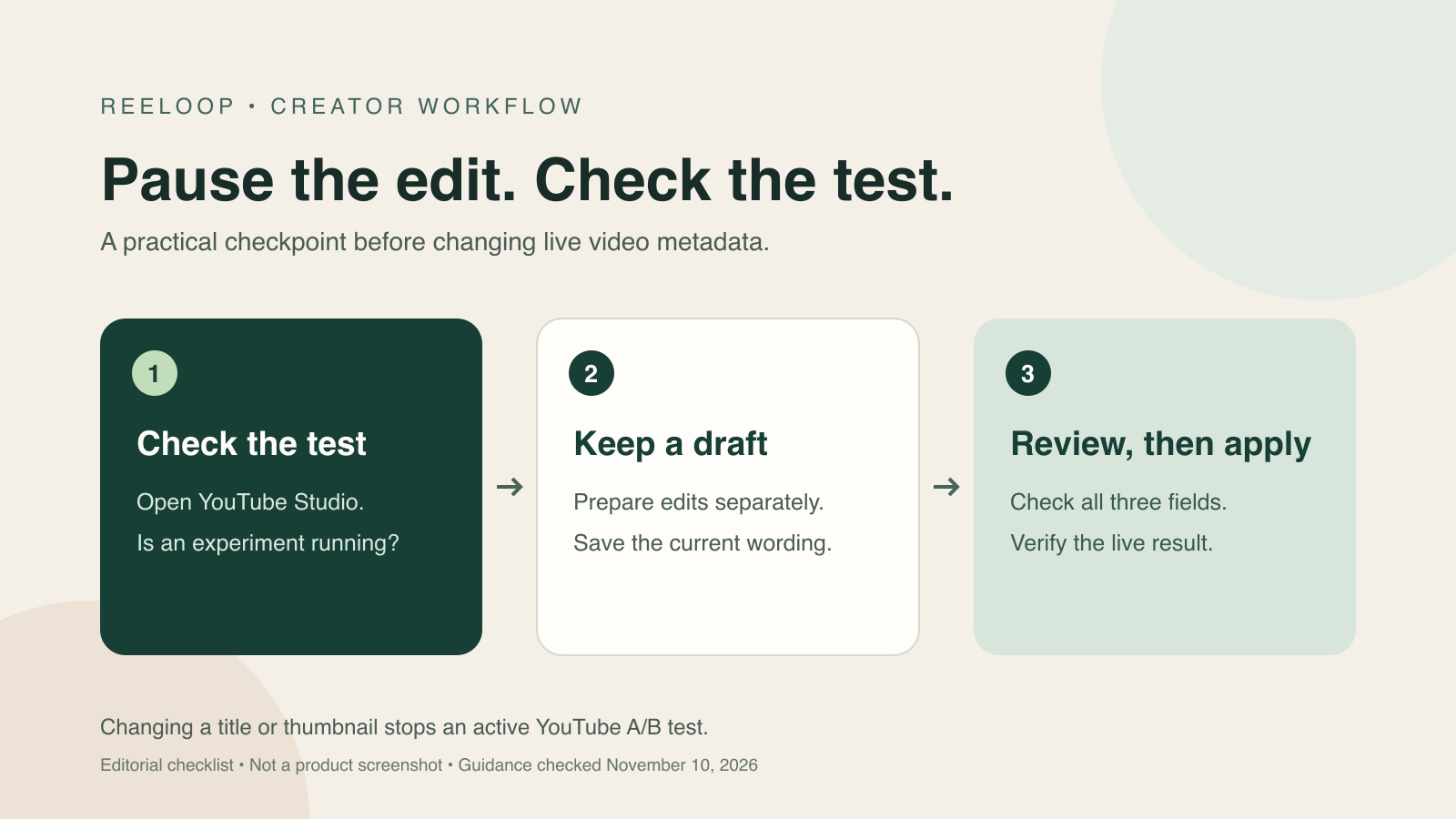
Treat a running test as an editing checkpoint
A title revision can be useful without being urgent. Before making it live, find out whether the video is already part of an experiment. Otherwise, a routine cleanup can interrupt the comparison you meant to finish.
In YouTube Studio, select the video and open Analytics, then Reach. Use Manage test to inspect an active experiment. YouTube currently offers title-only, thumbnail-only and combined tests on eligible videos through desktop Studio. Shorts are not eligible.
Keep the experiment and the draft separate
Create a small change record outside the live video settings. Give it the video URL, the date, the reason for the proposed edit and the exact replacement text. Keep a copy of the current description, including credits, chapters and disclosures.
Write down the question behind your change. “Does this title explain the recipe more clearly?” is a more useful starting point than “Can I add another keyword?” A focused question makes it easier to discard an attractive phrase that the footage does not support.
Do not use a live save as a way to park an idea. A separate document gives you room to review the wording without changing what viewers see. If someone else helps manage the channel, include a plain note that a test is running before handing over the draft.
Example: a cooking video with a clearer promise
Imagine a creator testing packaging for a one-pan chickpea dinner video. While the test runs, they notice that the current description buries the ingredient list. They also draft a title that emphasizes the one-pan method. This is an illustrative workflow, not a customer result.
Split the work into two decisions. First, prepare a better description with the ingredients easy to find. Second, check whether the proposed title accurately describes the recipe shown. If the video does not establish a 15-minute cooking time, do not add that promise just because it sounds compelling.
For a non-urgent revision, keep both ideas in the change record until the test is finished. If a live claim is materially wrong, correcting it can matter more than completing the experiment. Record why you intervened rather than treating the interrupted test as a finished comparison.
Understand what ReeLoop Apply submits
ReeLoop's Apply action submits the reviewed title, description and tags together. Review all three fields, even when your main goal is to improve only the description. Compare the title with the current live version before applying.
The YouTube Data API documentation requires a title when updating the video snippet. Its update reference is not a guarantee about preserving an active Studio experiment. Treat those as separate questions when reviewing a metadata workflow.
YouTube's published warning concerns changing the title or thumbnail. It does not establish what happens when an API request submits exactly the same title again. We have not verified that edge case, so we do not claim every ReeLoop Apply stops a test or that an unchanged title guarantees the test will continue.
For a non-urgent edit during a running experiment, the conservative workflow is to keep the revision separate and wait. When you do apply it, check the actual watch page and Studio afterward. Do not rely only on the success message to confirm that the final public text is what you intended.
Read the result before planning another change
YouTube says tests can take up to two weeks and evaluates results using watch time rather than click-through rate alone. A result without a clear winner is possible. Read the report before deciding what to keep.
Save the result alongside your change record, then decide whether the pending revision still makes sense. A new title idea may repeat a variant you already tested, or promise something different from what the thumbnail communicates.
Keep observation separate from explanation. A later change in views does not prove that your title revision caused it. Record what changed and when, along with other meaningful changes to the video or promotion. That makes your notes useful without turning a before-and-after comparison into a controlled experiment.
A five-point pre-Apply checklist
- Confirm the video URL and check Studio for an active test.
- Keep a separate copy of the current metadata and proposed changes.
- Review the title, description and tags together for accuracy.
- Decide whether the edit can wait; record the reason if it cannot.
- After applying, verify the public text and check the test status in Studio.
Frequently asked questions
Does changing a title stop a YouTube A/B test?
Yes. YouTube says changing a video's title or thumbnail during the test automatically stops it, and you will need to restart the test.
Does every ReeLoop Apply stop a test?
That has not been established. Apply submits title, description and tags together, but the effect of resubmitting an unchanged title through the API has not been verified. Check Studio and avoid non-urgent updates while testing.
Can I prepare a new description while a test runs?
Yes. Draft it separately from the live video settings. Keep necessary credits, chapters and disclosures, then review every field before applying the eventual update.